LifeCheck with hand-held testing devices
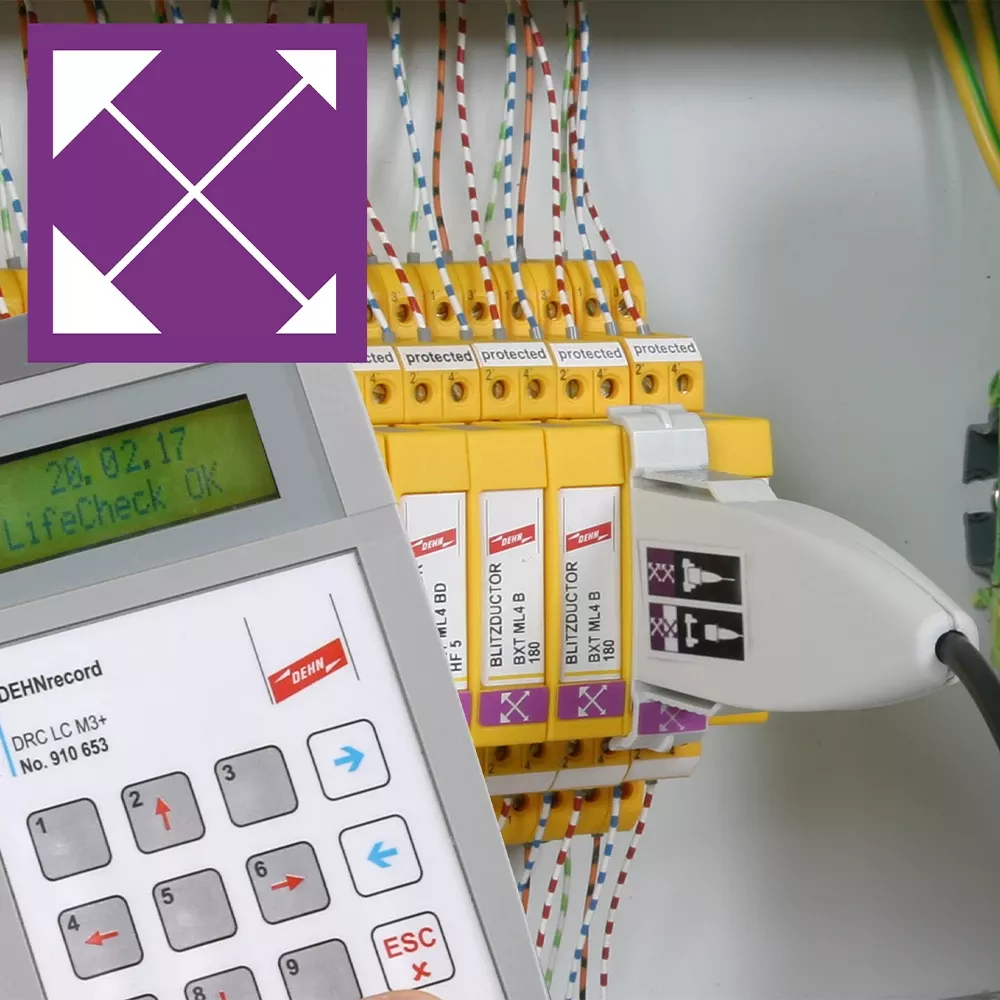
Functional monitoring of the arrester is possible with all protective devices marked with the LifeCheck symbol.
With the practical hand-held testing device, you can soon find out if your protective components have suffered damage due to electrical or thermal loads. This keeps you in the picture and allows you to exchange overloaded protective modules in good time.
Your advantages with version 2
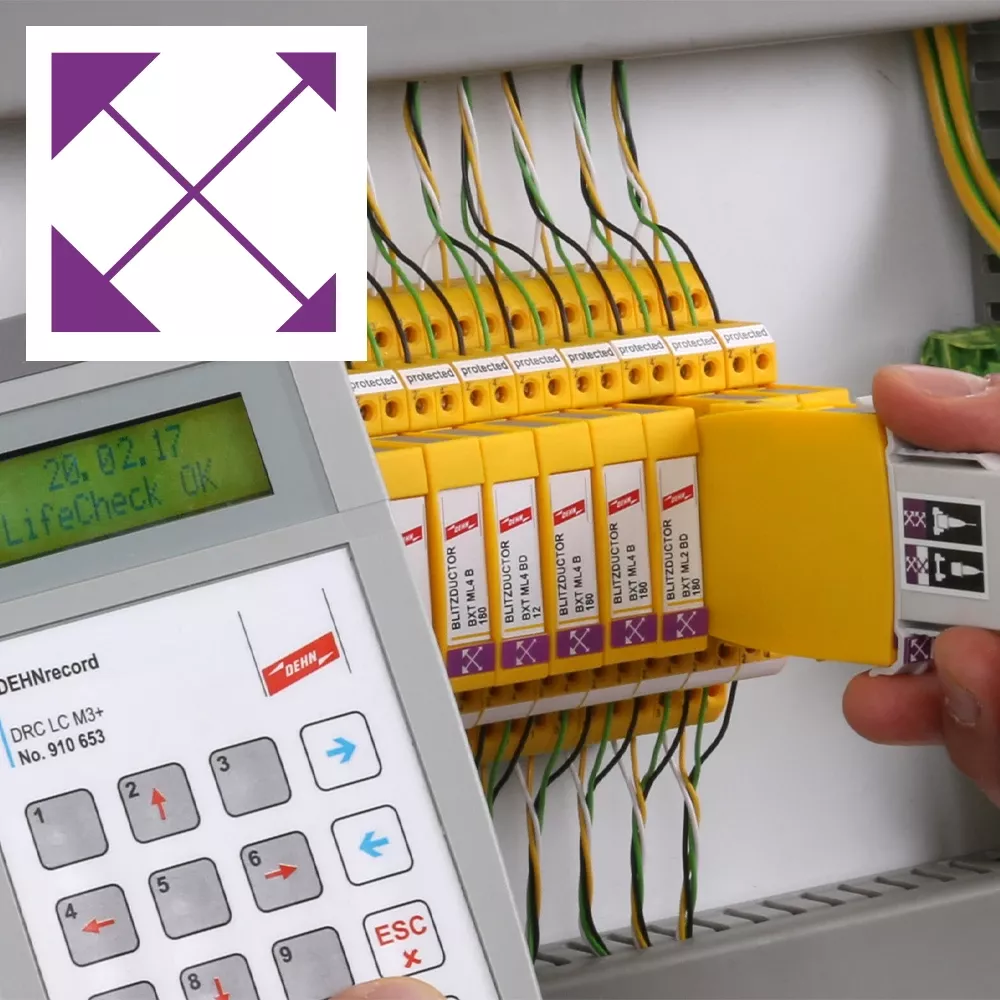
- It is clear to which arrester module the test result applies
- It is immediately recognisable which arrester is being tested (even if you have to interrupt the testing procedure)
- When using the universal base part BXT BAS as a feed-through terminal, the signal is still available when the arrester module is taken out.
Step by step procedure - version 2

1. Clip the test sensor onto the arrester module

2. Pull the arrester module out by about 5 cm

3. Start the test and wait for the result

4. Plug the module back into the base part - you must hear it click in

5. Finished. Remove the test sensor from the arrester module and follow the same procedure with the next arrester


Any questions?
Write us a message.

We are here for you!